Free Invoice Generator
Create a Professional Invoice in Minutes
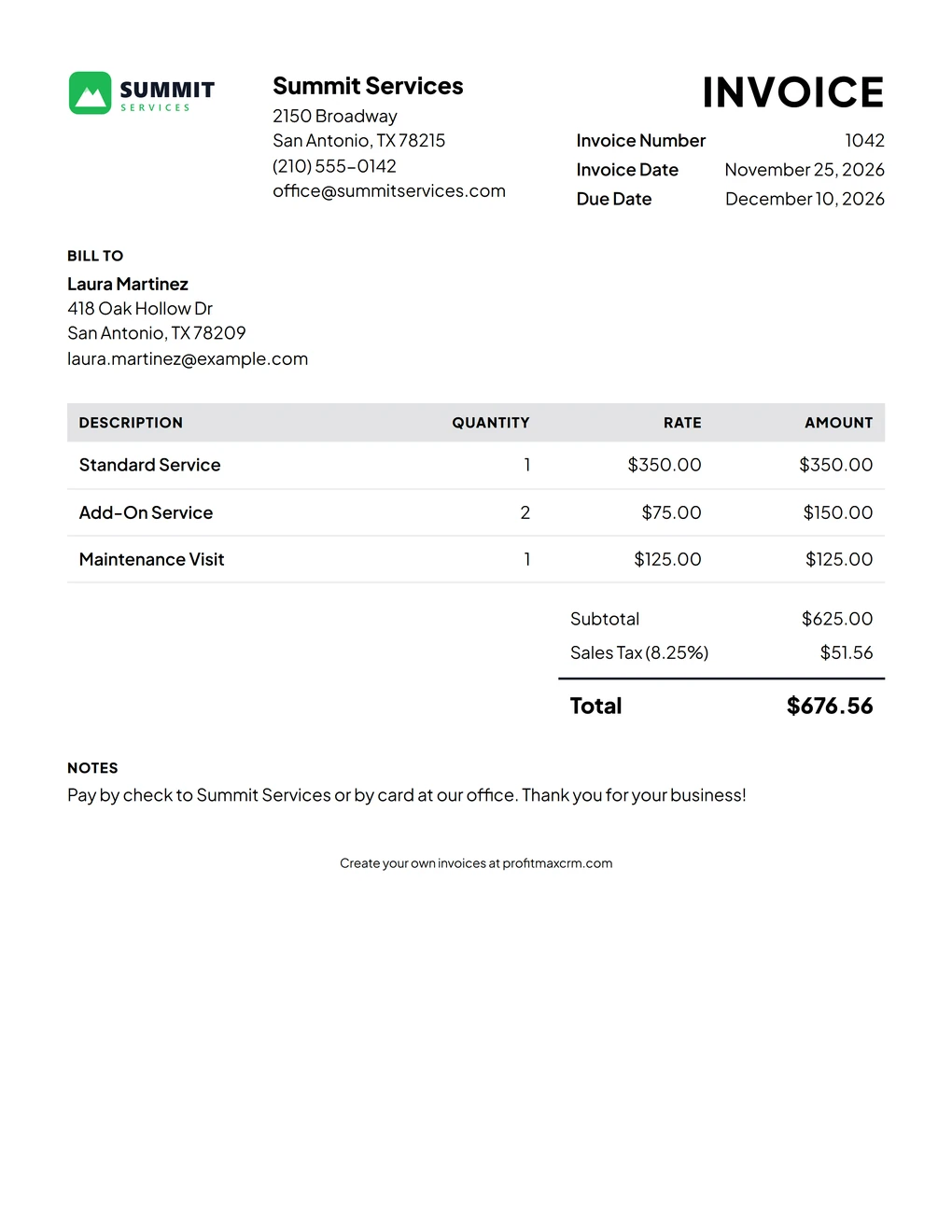
Fill in your logo, customer, and each service with its price. The invoice generator works out the sales tax and total, then saves your invoice as a PDF.
How to Create an Invoice in Three Steps
Add Your Details
Upload your logo, phone number, and email, then add your customer’s name and address.
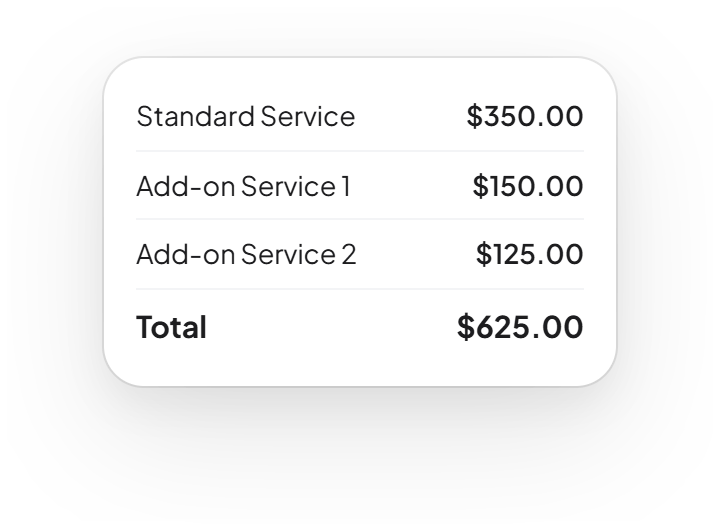
List Your Line Items
Enter a quantity and rate for each service, plus your sales tax percentage.
Download Your PDF
Save your one-page invoice to email or print for the customer.
What to Include on an Invoice
- Your logo, business name, and contact details
- Your customer’s name and address
- An invoice number
- The invoice date and due date
- Each service with its quantity, rate, and amount
- The subtotal, any discount, sales tax, and total
- How your customer can pay you
Get Paid Faster Without Chasing Customers
Profit Max Starter allows you to save your contacts and prices, take payments online, and send automatic reminders. The subscription is $49 a month after a 14-day free trial.
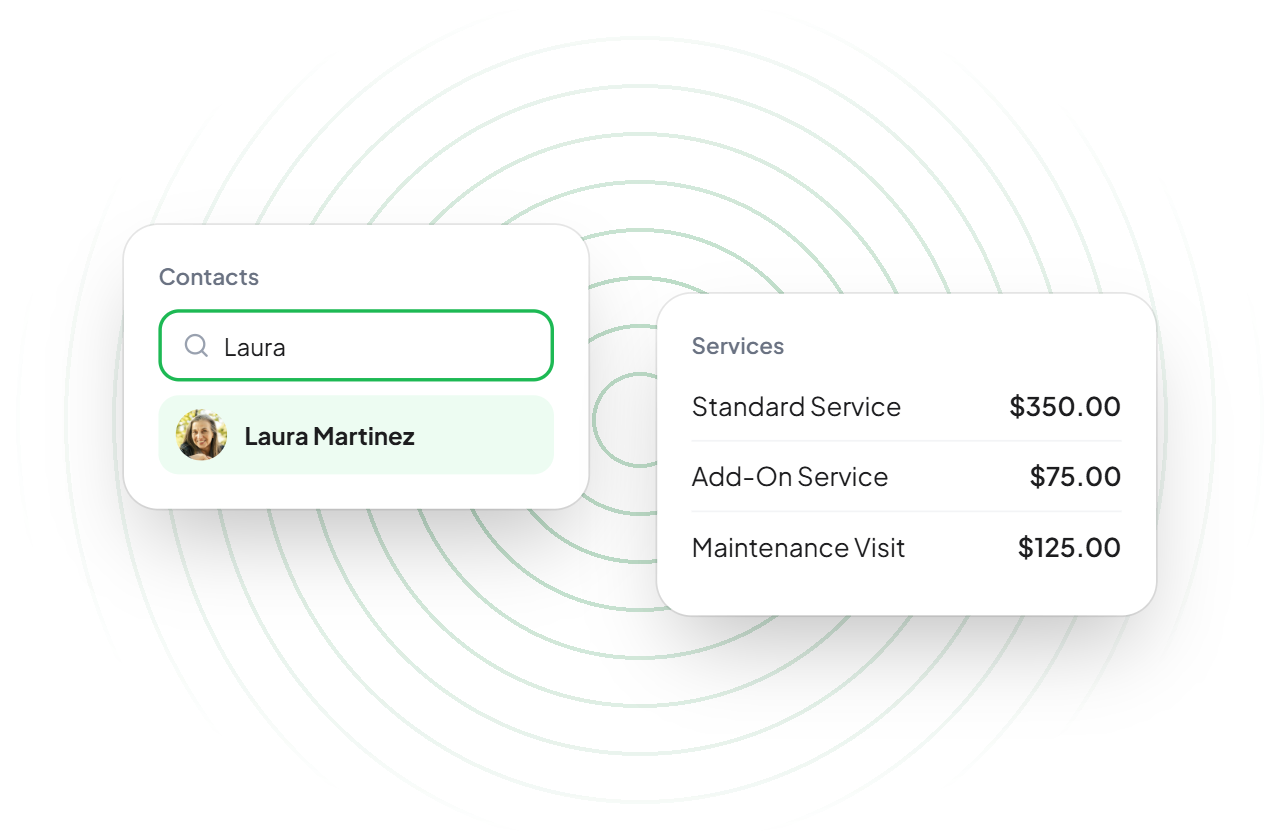
Save Your Contacts and Prices
Profit Max stores your contacts and price for each service, so you pick them on your next invoice instead of typing them again.
Start Free Trial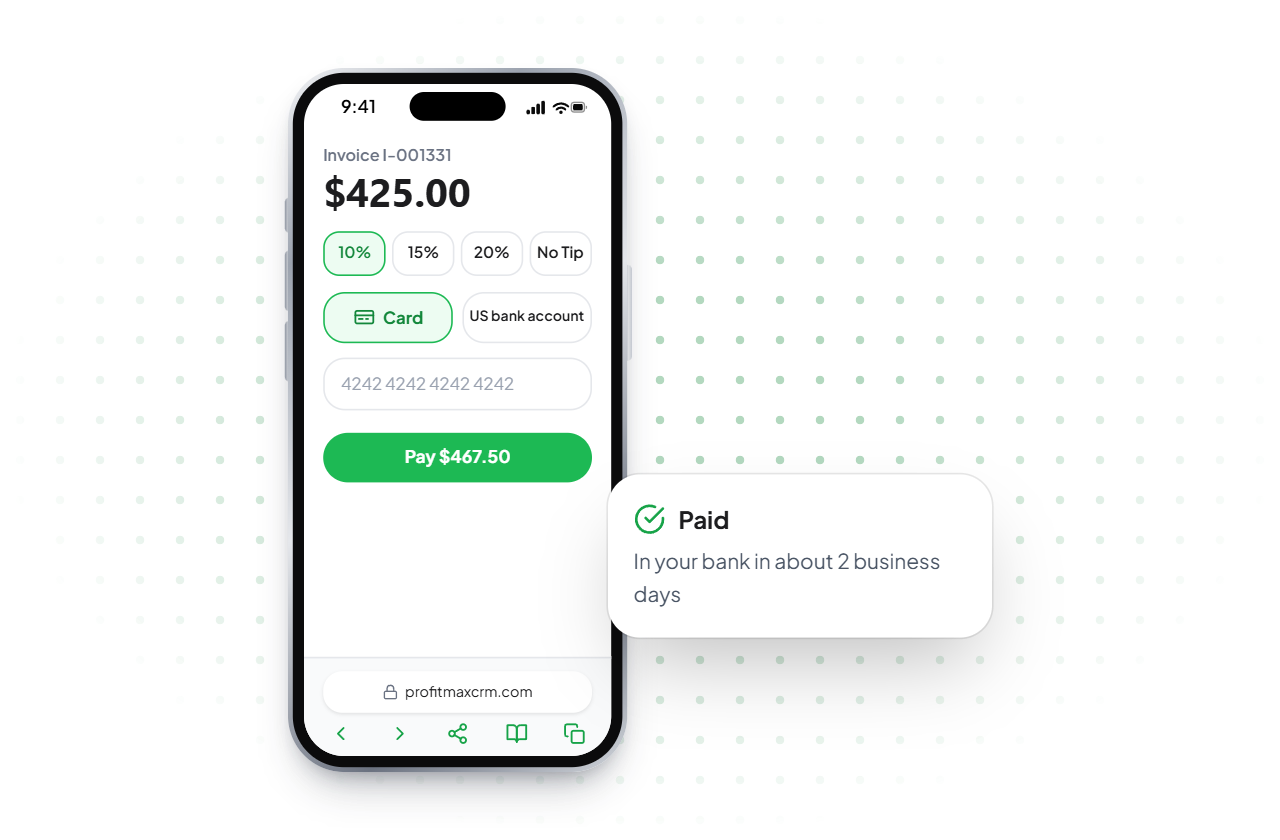
Let Customers Pay Online
Each invoice has a link the customer opens from their email or text to pay by card or bank account, without making an account. Card payments reach your bank in about 2 business days.
Start Free Trial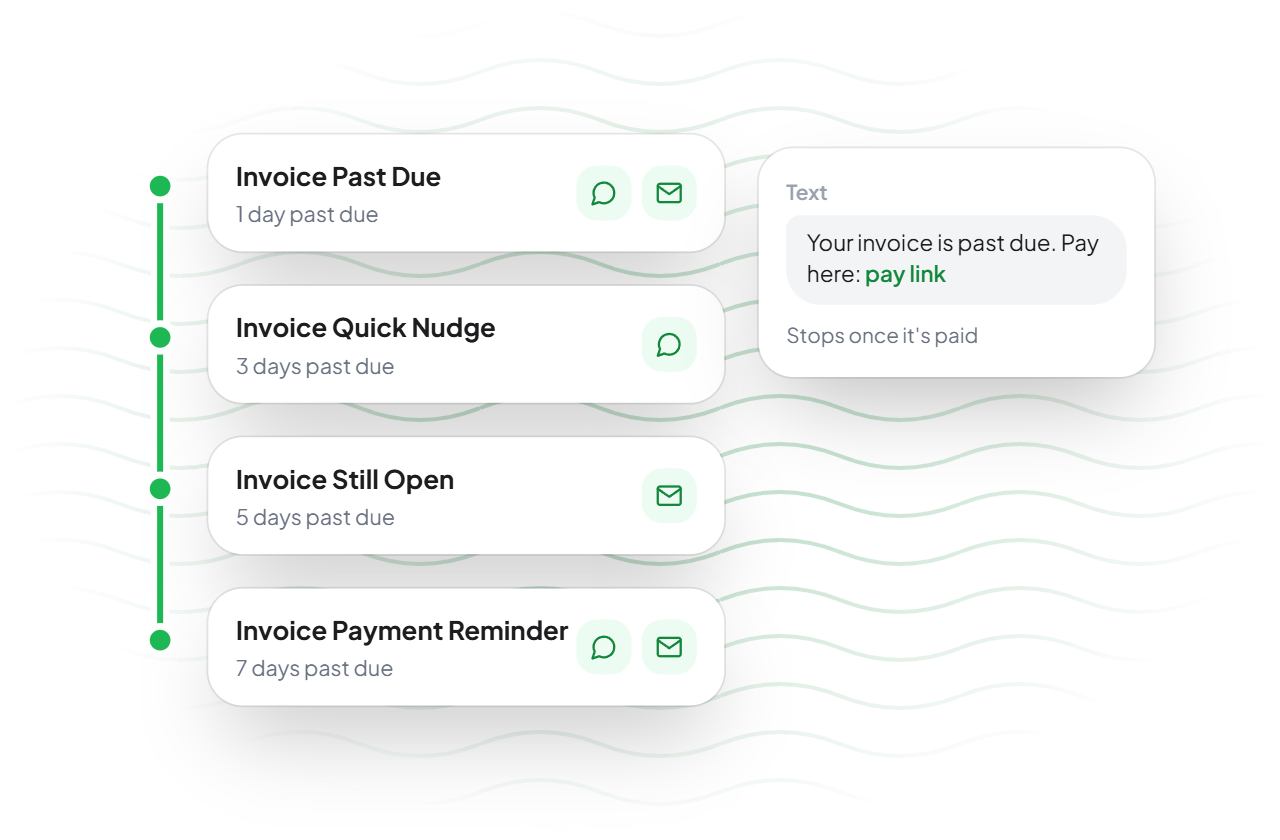
Stop Chasing Late Payments
Profit Max sends past-due reminders by email and text for up to 90 days, each with the balance and a link to pay, and they stop once the invoice is paid in full. You can also add a late fee after a grace period you choose.
Start Free TrialInvoice Generator Questions
Is this invoice generator free?
Yes. You can create and download as many invoices as you want for free.
Can I use this as a free invoice template?
Yes. Each invoice you make after the first starts with your logo, business details, sales tax, and notes, numbered one higher, so you only fill in the customer and services.
How do you calculate an invoice total?
Multiply each line’s quantity by its rate and add the lines together, subtract any discount, then put the sales tax on top. Lines of $150 and $200 come to $350, a 10% discount leaves $315, and 8.25% sales tax brings it to $340.99.
How should you number your invoices?
Give each invoice its own number, one higher than the last, such as 1001, 1002, and 1003. Never use a number twice, so every payment matches a single invoice.
What does Net 30 mean on an invoice?
Net 30 means the customer pays within 30 days of the invoice date, so an invoice dated March 1 is due by March 31. Due on Receipt means they pay when they get it.
How do you save your invoice as a PDF?
Select Download PDF, then choose Save as PDF where your browser asks for a printer. On a phone, save or share the file from the print preview.
How do you send an invoice?
Download your invoice as a PDF and attach it to an email to your customer. Profit Max sends each invoice by email or text with a link your customer can use to pay online.
What’s the difference between an invoice and a receipt?
An invoice asks your customer to pay for work you did, and a receipt shows they already paid.