Invoicing Software
Get Paid Faster Without Chasing Customers
Profit Max turns every finished job into an invoice, lets customers pay online by card or bank account, and follows up on late payments for you.
14-day free trial. No credit card. Cancel anytime.
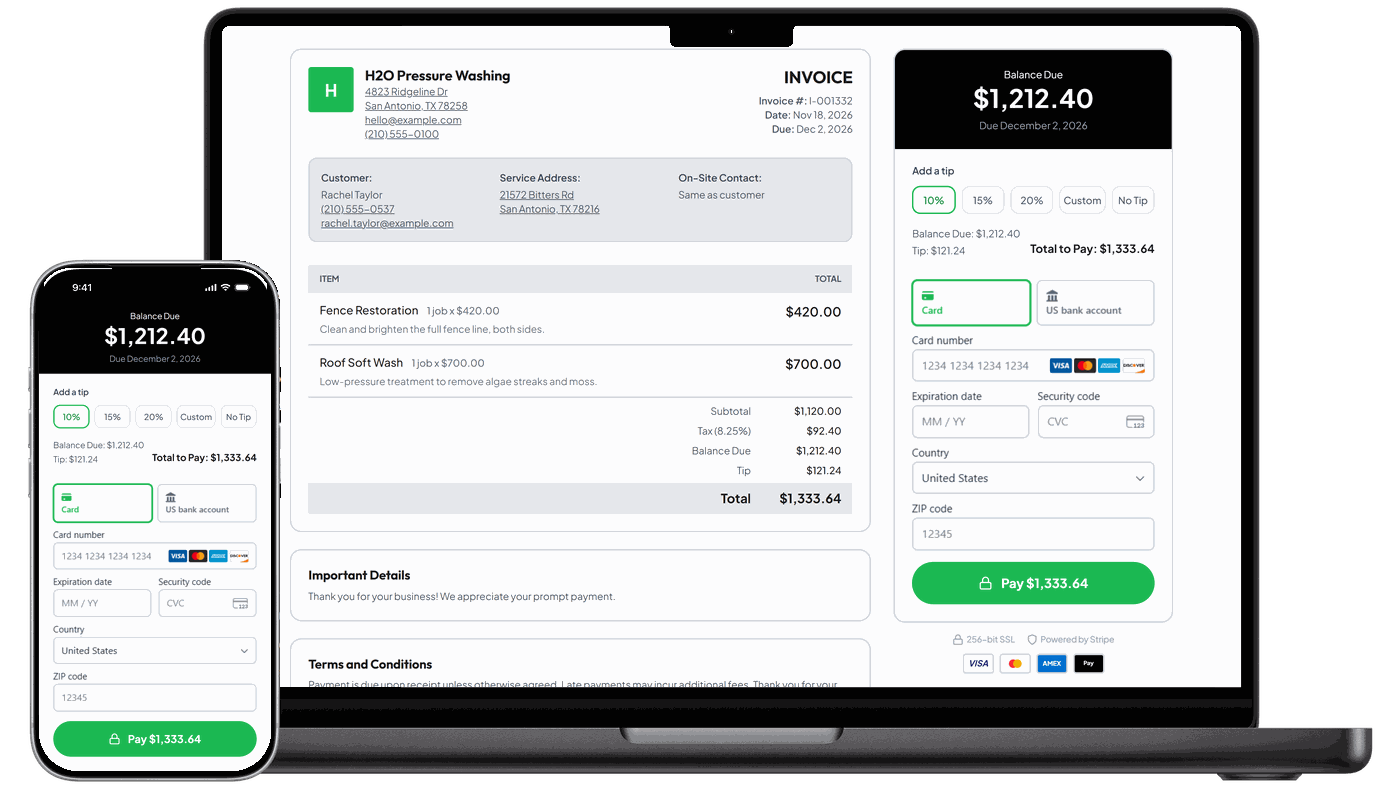
How Invoicing Works
Invoice the finished job, let customers pay online, and let the reminders follow up for you.
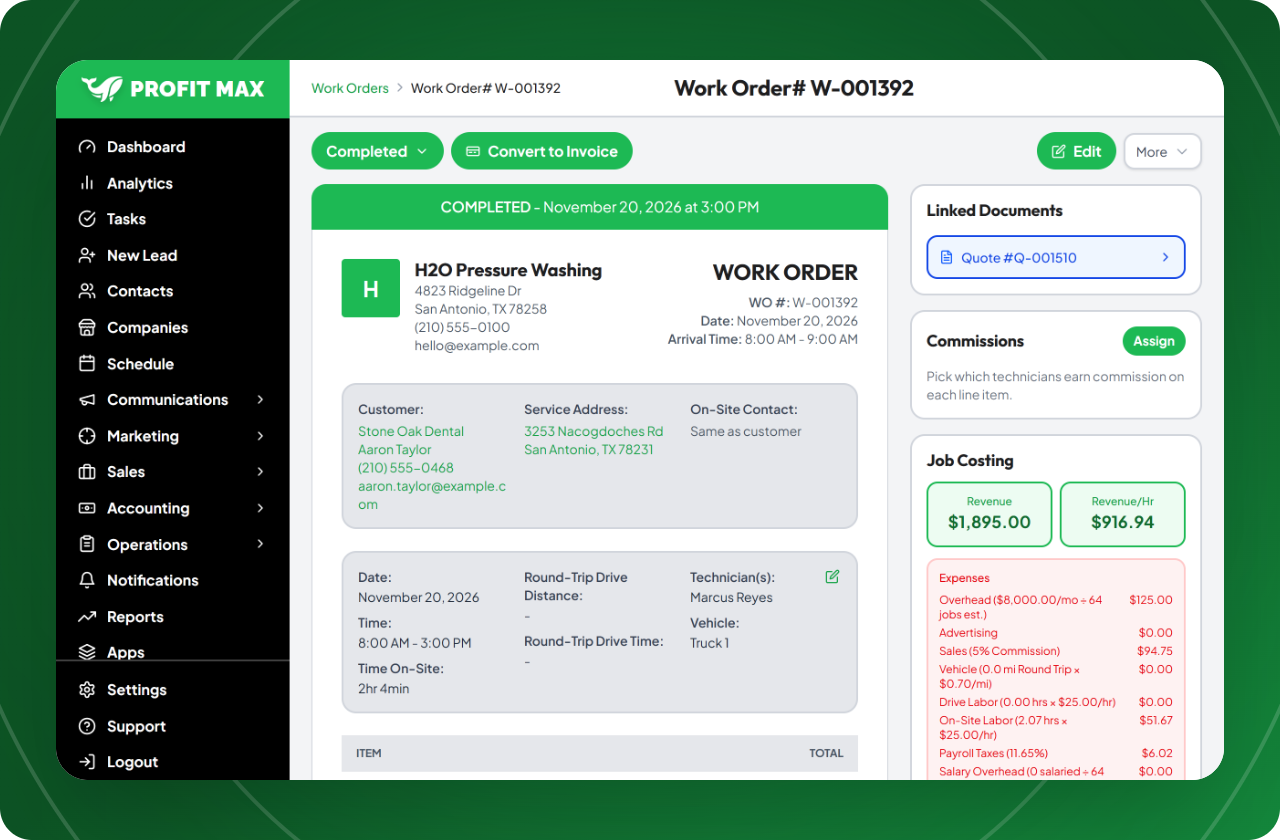
Invoice a Job the Moment It's Done
When you mark a job complete, Profit Max creates its invoice from the job's line items and credits any deposit the customer already paid. You can send it right away or look it over first.
Start Free Trial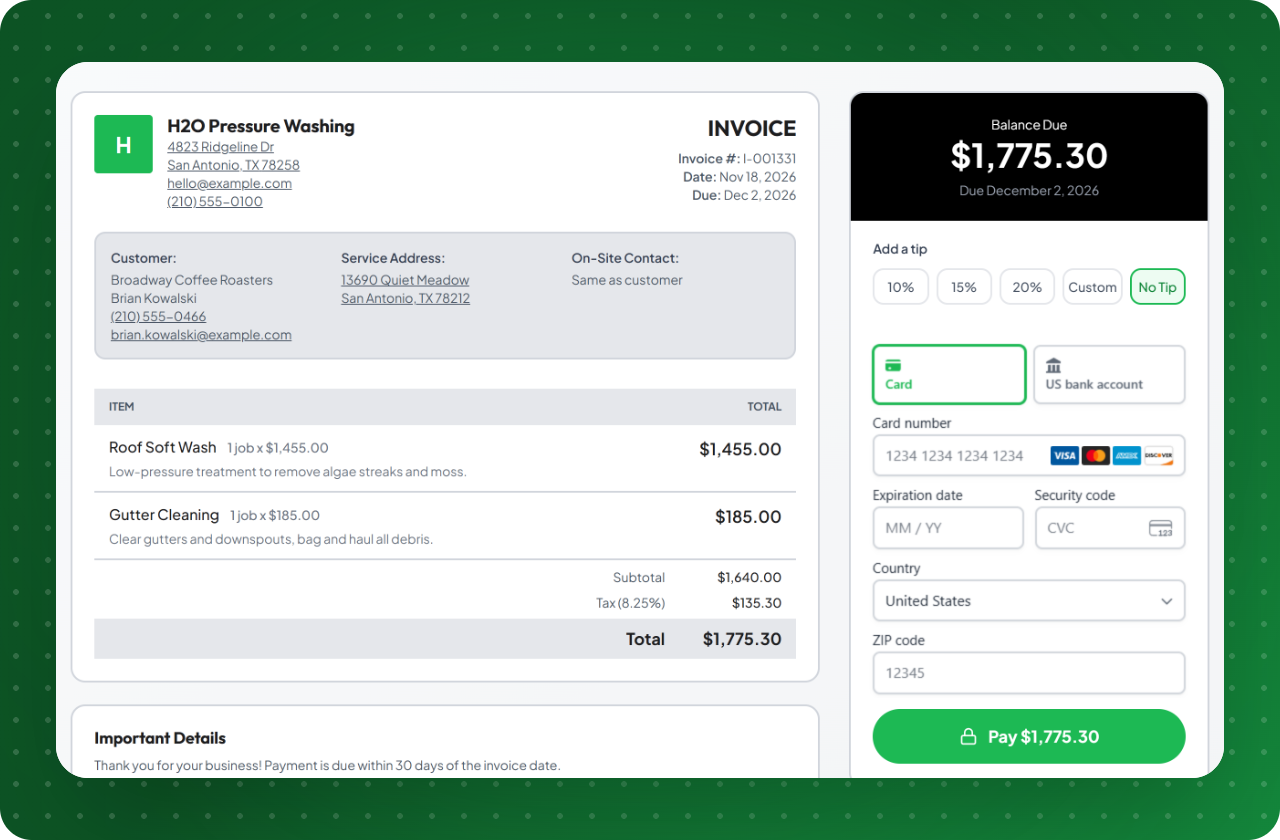
Let Customers Pay Online
Each invoice has a link the customer opens from their email or text to pay by card or bank account, without making an account. Card payments reach your bank in about 2 business days.
Start Free Trial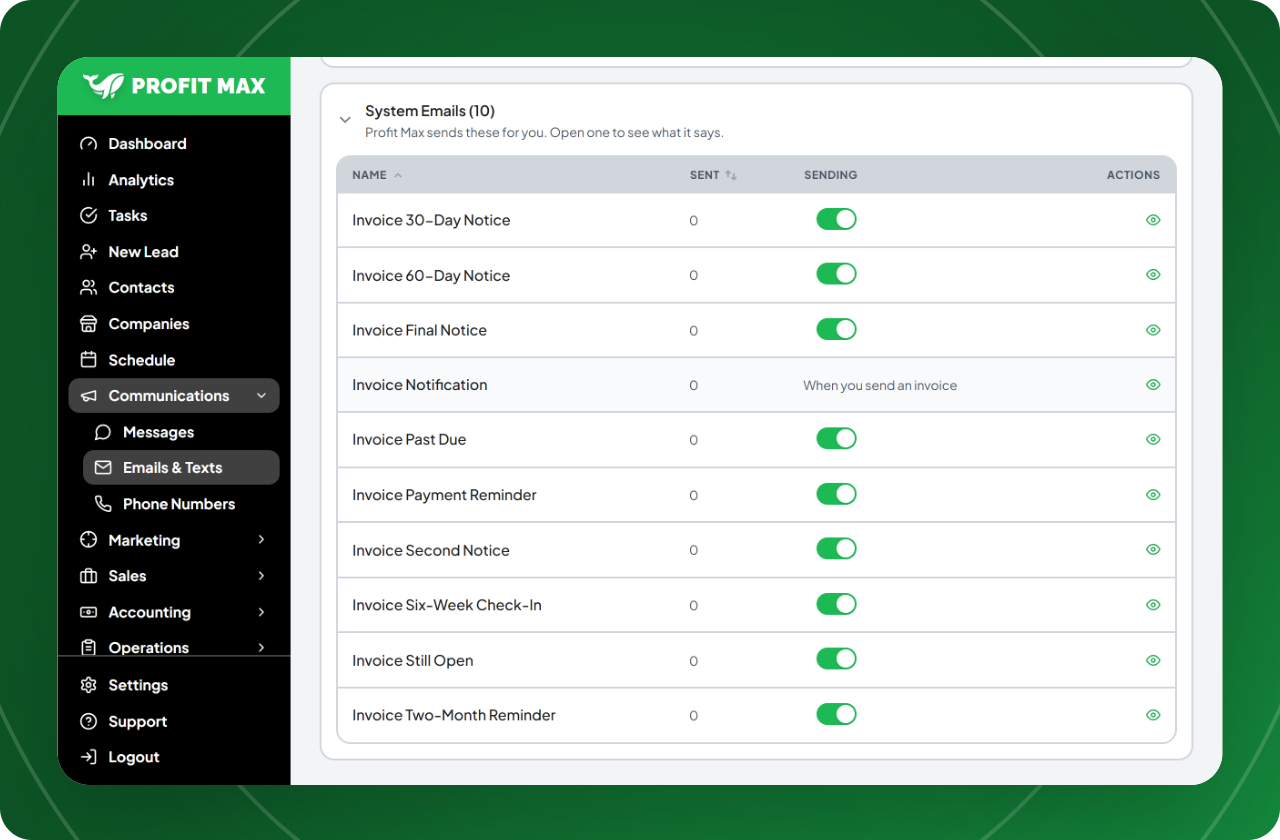
Stop Chasing Late Payments
Profit Max sends past-due reminders by email and text for up to 90 days, each with the balance and a link to pay, and they stop once the invoice is paid in full. You can also add a late fee after a grace period you choose.
Start Free Trial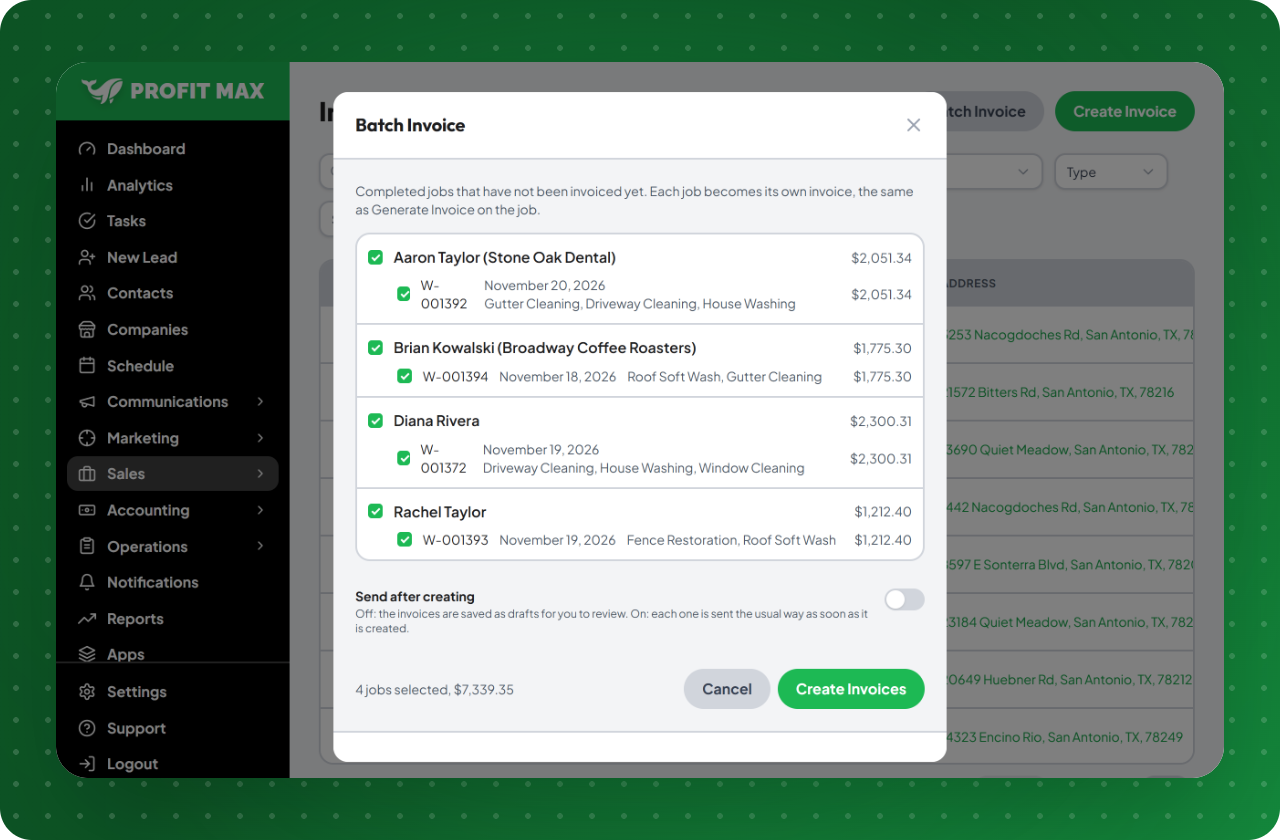
Invoice a Week of Jobs at Once
Batch Invoice lists every finished job that doesn't have an invoice yet, grouped by customer, and creates and sends all of their invoices in one click.
Start Free TrialInvoicing Software Pricing
Every plan includes invoicing and online payments. Start with a 14-day free trial with every Pro feature. No credit card required.
Related Features
Send Invoices in Three Steps
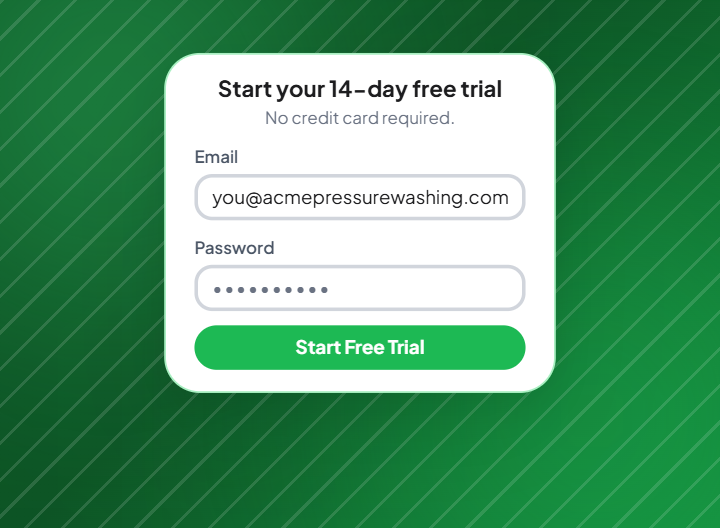
Start a Free Trial
Sign up with your email, and your 14-day free trial starts right away. You don't need a credit card.
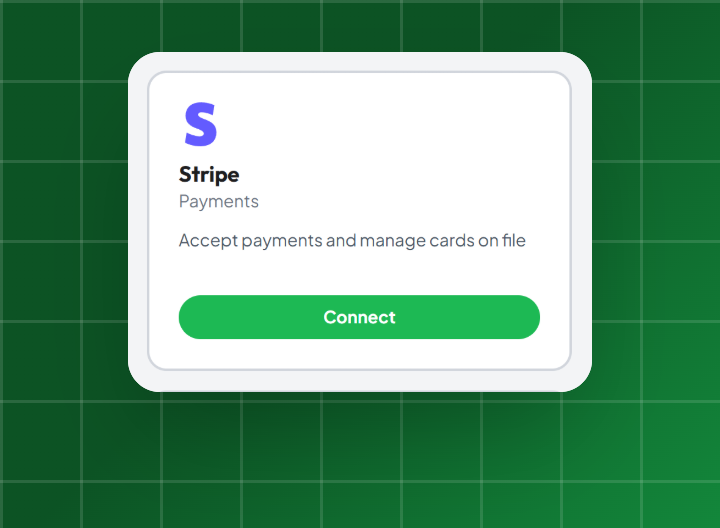
Turn On Online Payments
Connect Stripe under Apps, and customers can settle any invoice by card or bank account.
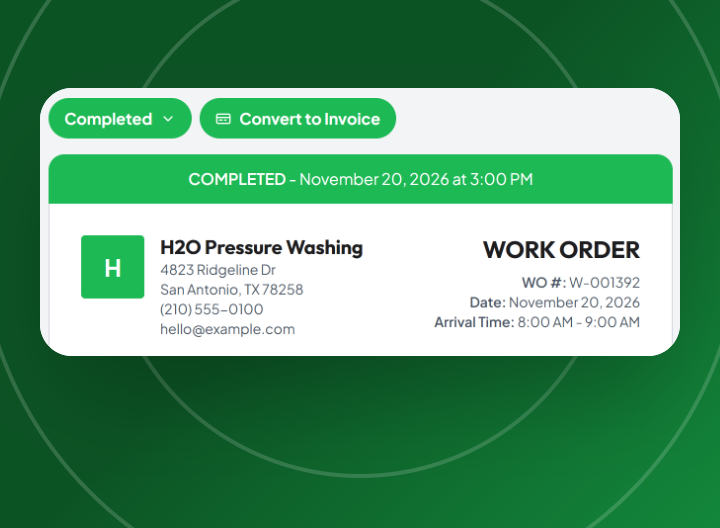
Bill Every Finished Job
Profit Max drafts an invoice from the line items once you mark the work complete, and Convert to Invoice covers anything without one.
Invoicing Software Questions
What is invoicing software?
Invoicing software allows you to create and send invoices for your work, collect payment on them, and keep track of who still owes you. In Profit Max, invoices come straight from your finished jobs, and customers pay them online from a link.
Can customers pay invoices online?
Yes. Once you connect Stripe, customers can pay any invoice by card or bank account from its link, and they can add a tip. Card payments reach your bank in about 2 business days, and bank payments take a few business days to clear.
Does Profit Max send payment reminders?
Yes. Once an invoice is past due, Profit Max sends reminders by email and text, starting the next day and continuing for up to 90 days, each with the current balance and a link to pay. The reminders stop as soon as the invoice is paid in full.
Can I take card payments in person?
Yes. The Profit Max app has Tap to Pay on iPhone and Android, so a customer can tap their card or phone on yours. You can also charge a card the customer saved, or record cash and checks.
Can I charge late fees?
Yes. You can add a flat or percentage late fee once or on a schedule after a grace period, with an optional cap, and set different fees for residential and commercial customers.
How much does it cost to take card payments?
Card payments cost 3.5% plus $0.30, and bank payments cost 1%. The fee comes out of the payment you receive, so the customer pays the invoice amount.
Which Profit Max plan includes invoicing?
Invoices and online payments are part of every plan, starting with Starter at $29 a month billed yearly.
Ready to Stop Leaving Money on the Table?
Start your free 14-day trial. No credit card required. See how much more you could be profiting.
Start Free Trial