Expense Tracking App
Track Business Expenses, Receipts, and Mileage
Log every cost by category with a receipt photo, track mileage at your cost per mile, and link each expense to the job it was for.
14-day free trial. No credit card. Cancel anytime.
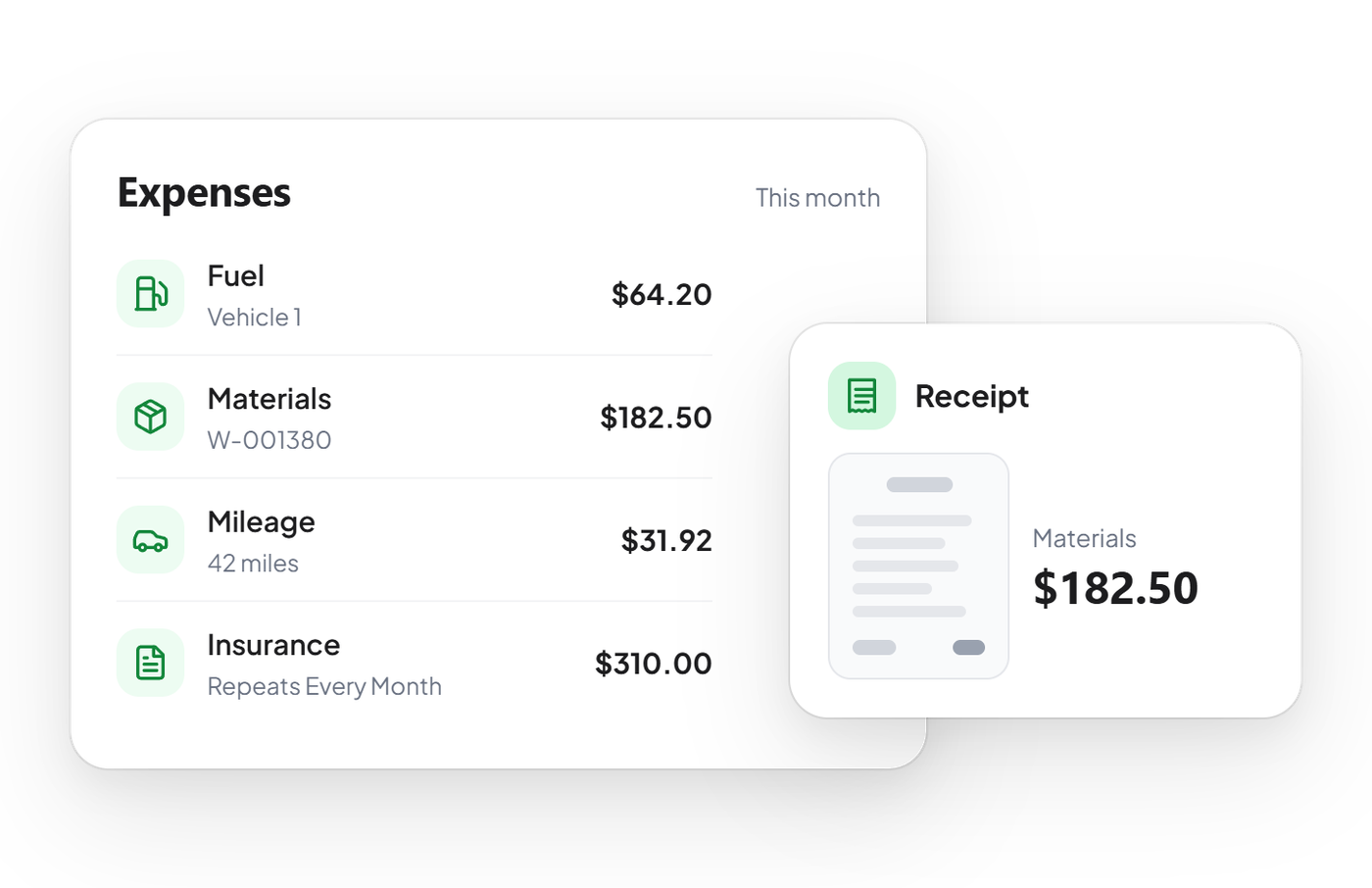
See Your Real Profit After Every Expense
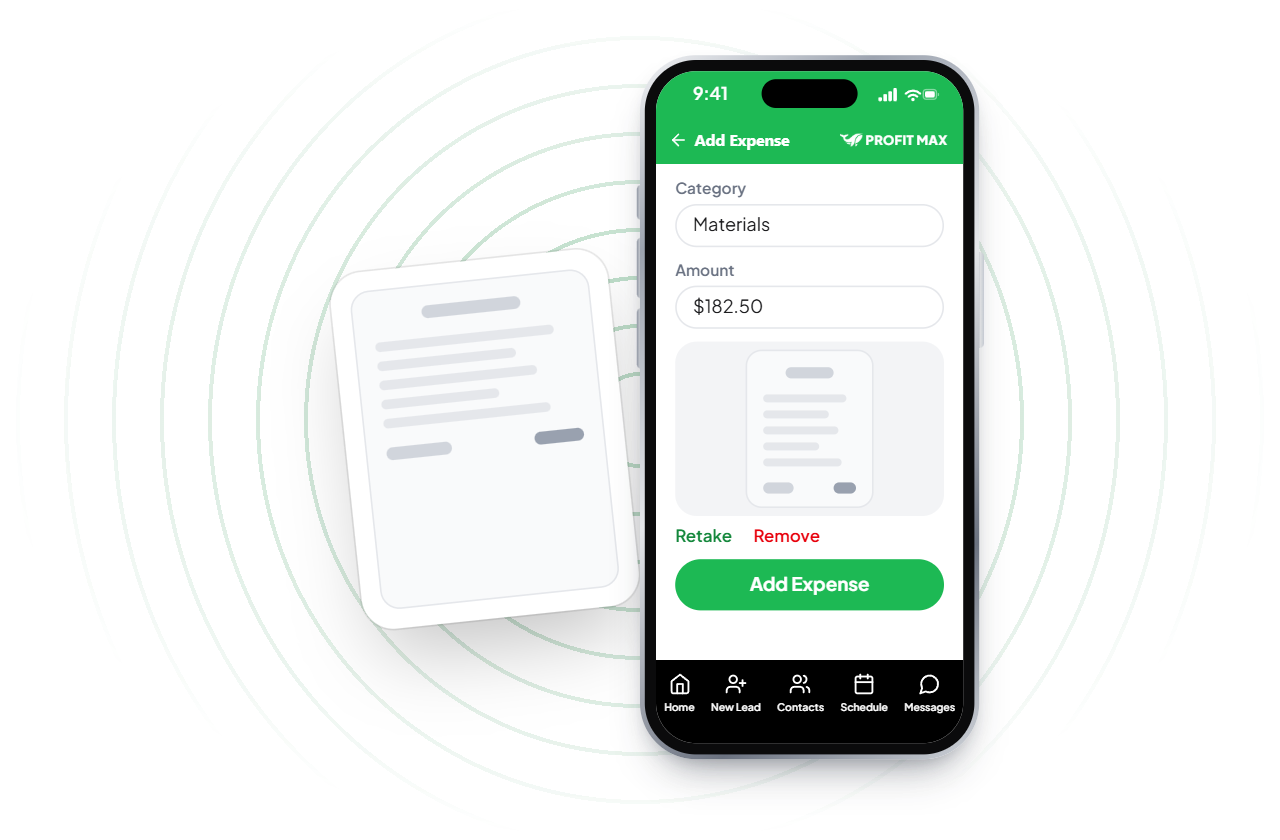
Snap Receipts From Your Phone
Tap Add Expense in the Profit Max app, pick a category, and take a photo of the receipt. Each receipt is a private file only your team can open.
Start Free Trial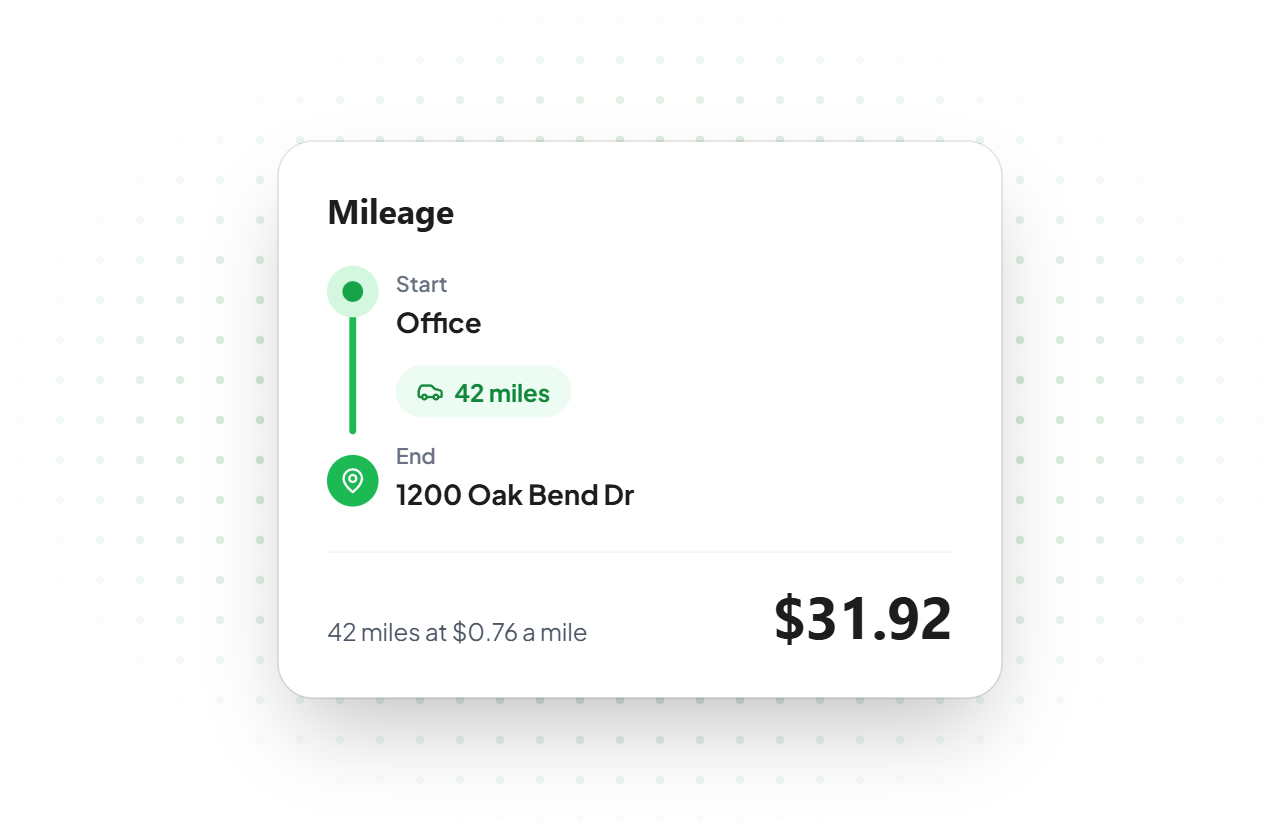
Track Business Mileage
Profit Max figures each trip's amount from its miles at your cost per mile, based on the IRS rate until you set your own. The trip log of starts, ends, and miles is your record at tax time.
Start Free Trial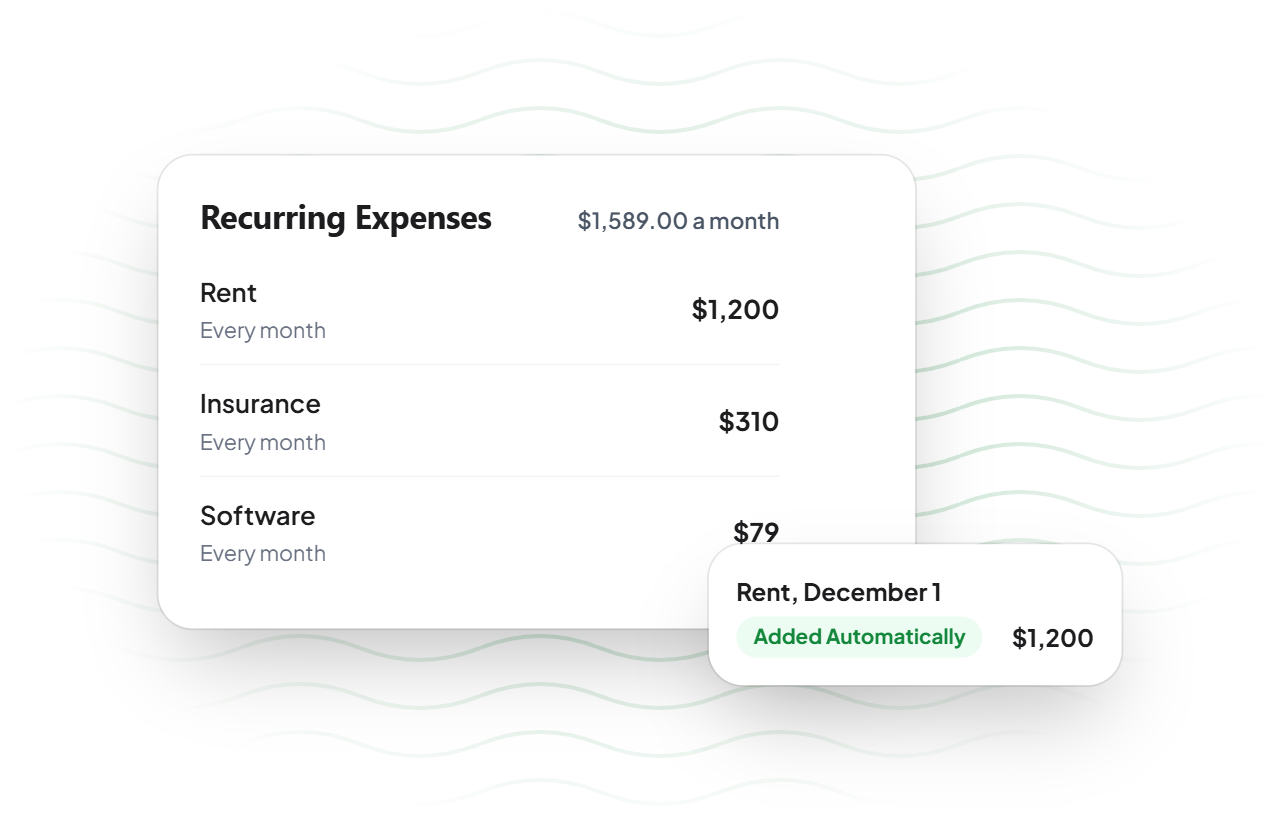
Automate Recurring Expenses
Enter rent, insurance, or a software bill once, and Profit Max adds it each week, month, or year it comes due. Recurring Expenses shows their monthly total.
Start Free Trial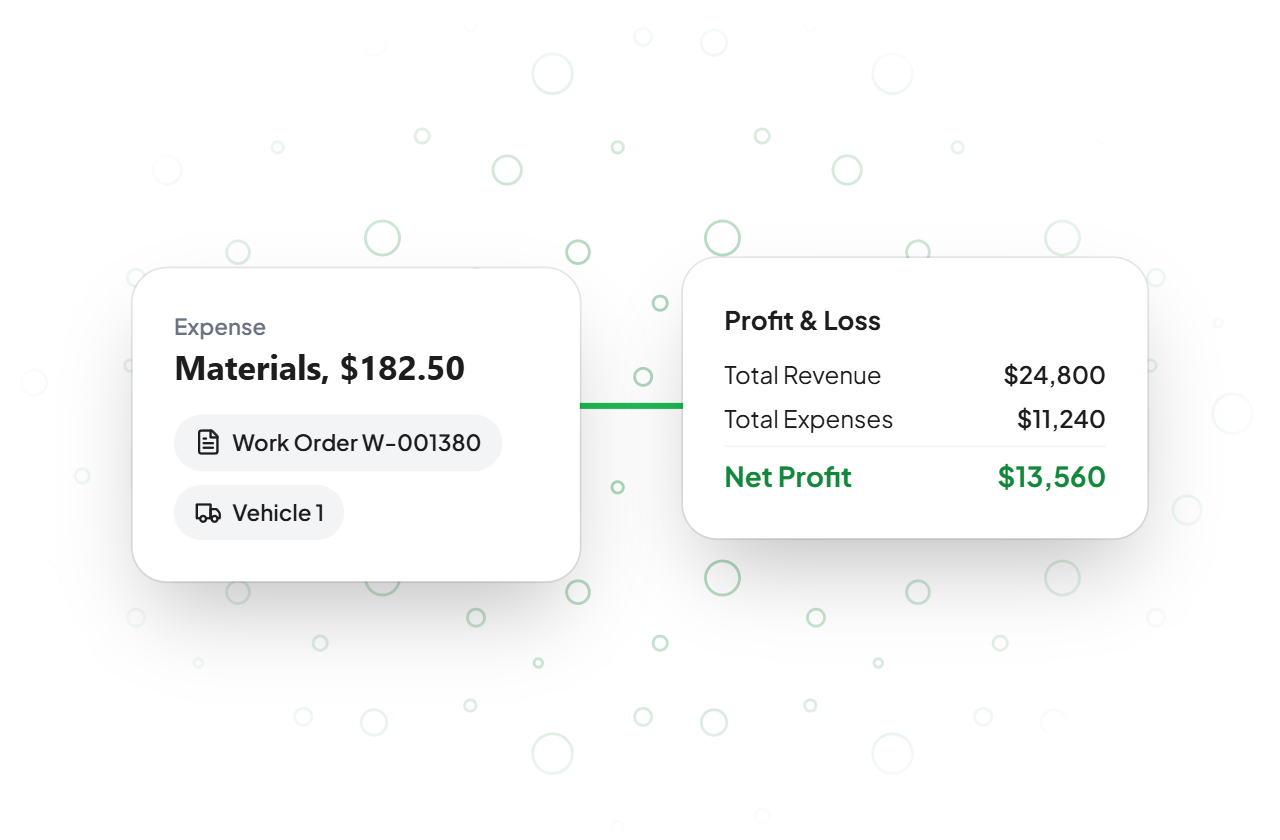
Link Expenses to Jobs and Vehicles
Tie an expense to the work order it was for, or to a truck, van, trailer, or piece of equipment. Your Profit & Loss and Expense Summary reports count every one.
Start Free Trial
Profit Max helped me hit $6,000 in monthly recurring revenue using service plans. It's guaranteed income so we breeze through the off season now.
Related Features
Invoicing
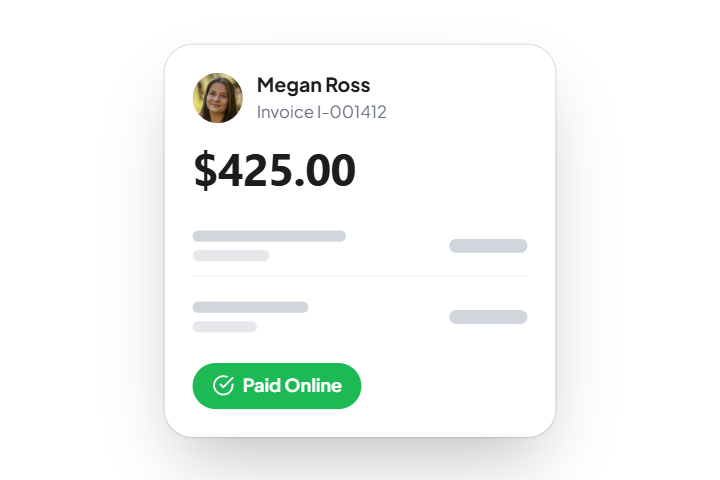
Turn each finished job into an invoice your customers can pay online.
Learn More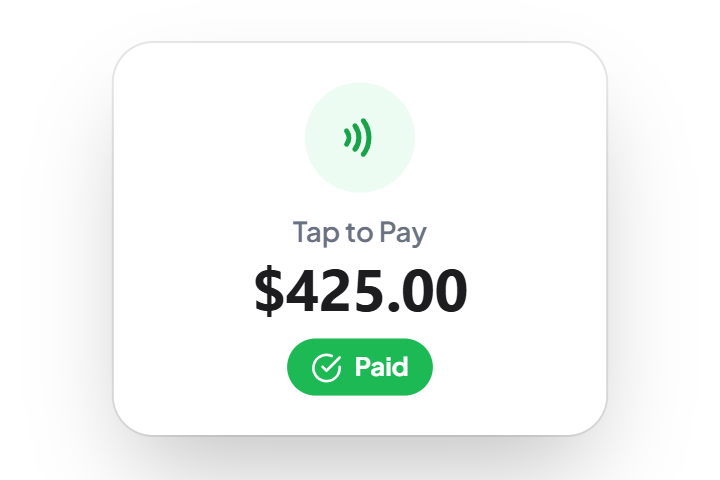
Payment Processing
Accept card and bank payments online and in person with Tap to Pay.
Learn More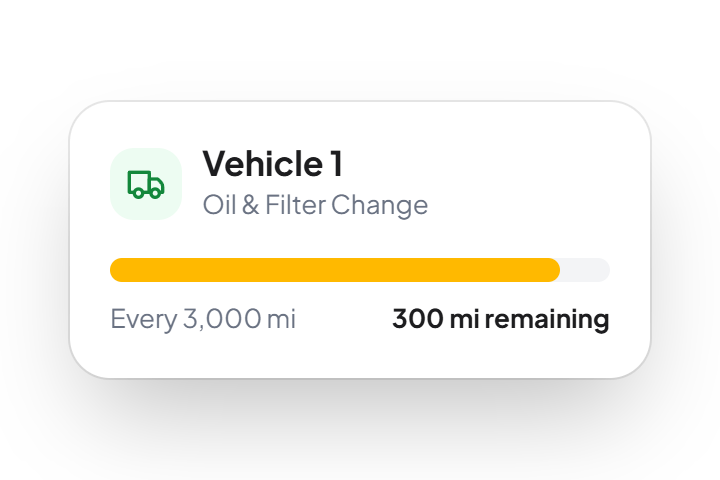
Fleet Maintenance
Track maintenance on your vehicles and equipment by miles and hours.
Learn More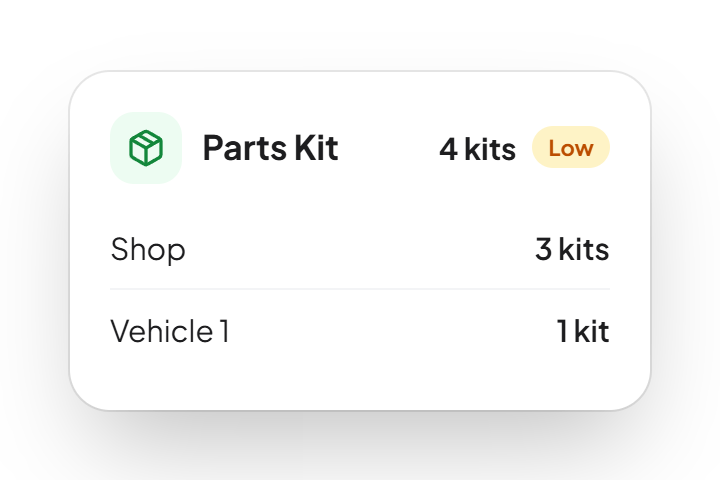
Inventory Management
Track your supplies at every location, from the shop to each vehicle, with low-stock alerts.
Learn More
Time Clock
See who's on the clock and add up each pay period's hours.
Learn More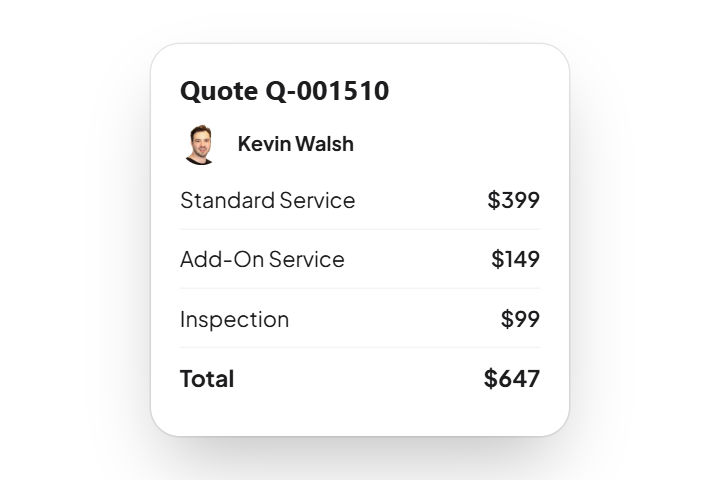
Quoting
Build quotes from your Price Catalog and see the profit on every job before you send it.
Learn MoreExpense Tracking App Questions
What is an expense tracking app?
An expense tracking app records what your business spends so you can see profit, not just revenue. In Profit Max, every expense feeds your profit reports with its category, amount, date, and receipt.
Can I take a photo of a receipt?
Yes. When you add an expense in the Profit Max app, tap Take a Photo under Receipt, and on the web, attach the image or a PDF. Receipts are private files only your team can open.
How does mileage tracking work?
Turn on This is a mileage expense, then enter the start and end locations, miles, and purpose. Profit Max figures the amount at your cost per mile and keeps the trip log for tax time.
Can expenses repeat automatically?
Yes. Check This expense repeats and pick every week, every 2 weeks, every month, every 3 months, or every year. Profit Max adds each one when it comes due and stops on the last day you set.
Does it work with QuickBooks?
Yes, on the Pro plan. With QuickBooks Online connected, Profit Max imports your expenses from it, read-only, and uses them in your profit numbers so your costs match your books.
Can I export my expenses?
Yes. Click Export on Expenses to download the list as a CSV with your filters applied. The file is also emailed to you and saved in Documents.
Which Profit Max plan includes expense tracking app?
Expense tracking is part of the Starter plan. Every new account starts with a 14-day free trial that includes every Pro feature, and you don’t need a credit card to start.