Profit Max 1.0.1: Links in Your Emails and Texts Open the App
Version 1.0.1 of the Profit Max phone app opens the links in your Profit Max emails and texts right in the app. When you tap a link to a new lead, a contact, a quote, a work order or an invoice, the app opens straight to that record instead of your phone's web browser.
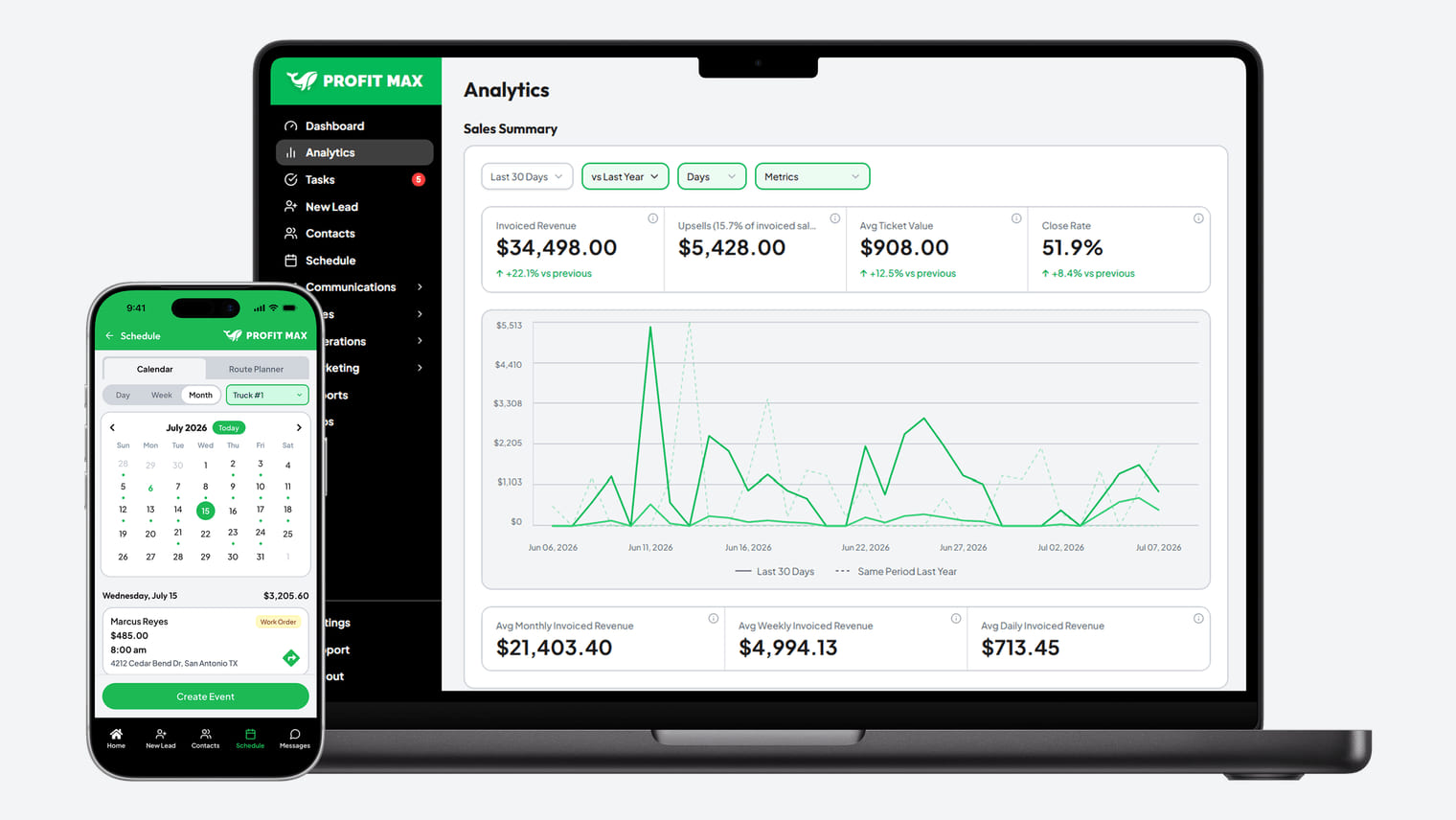
Profit Max sends your team an email or a text when a new lead comes in, and those messages link to the lead so you can reach them quickly. Until now, tapping one of those links on your phone opened the Profit Max website in your browser, which meant switching over to the app yourself.
Version 1.0.1 of the phone app fixes this, and it's available today in the App Store and on Google Play.
Links Open the Record in the App
With version 1.0.1 on your phone, a link in a Profit Max email or text opens its record right in the app. That works for links to a new lead, a contact, a quote, a work order, an invoice or a recurring work order. This allows you to call a new lead back or check a job's details with one tap from the message (quite a bit faster when you're in the truck between appointments).
The links your customers get, like the link to their quote or their invoice, still open in their browser. Your customers don't need the Profit Max app, so their quotes and invoices work the same way they always have.
Choosing Between the App and the Browser
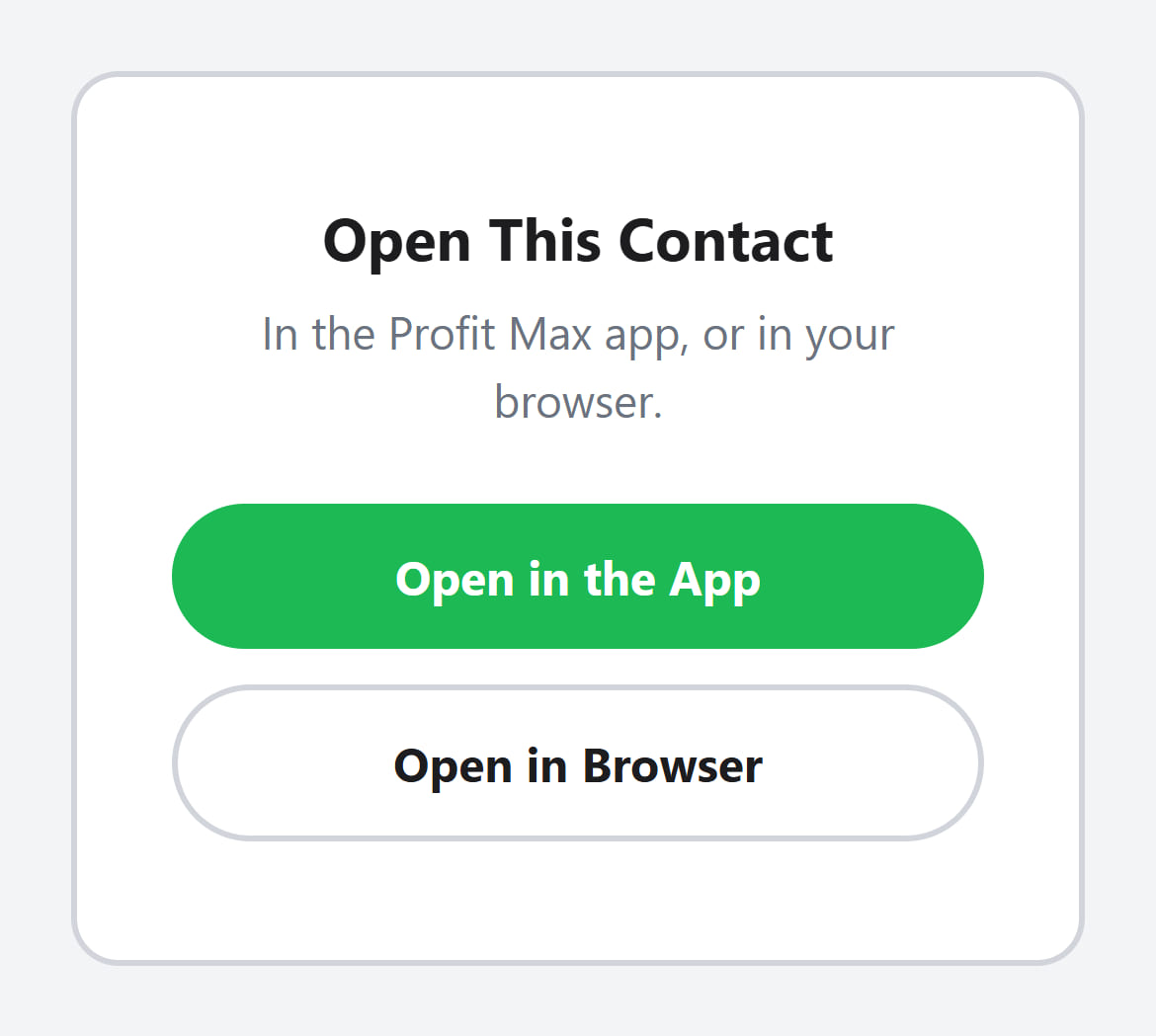
Some email apps open links in their own built-in browser instead of handing them to your phone. When that happens with a lead or contact link, the page shows Open in the App and Open in Browser, so you can pick where it opens with one tap.
How to Get the Update
To get version 1.0.1, update Profit Max from the App Store on your iPhone or from Google Play on your Android phone. If automatic updates are on, your phone has probably installed it already.
Most of our phone app changes arrive on their own when you open the app, so you only need the store when we release a new version like this one.